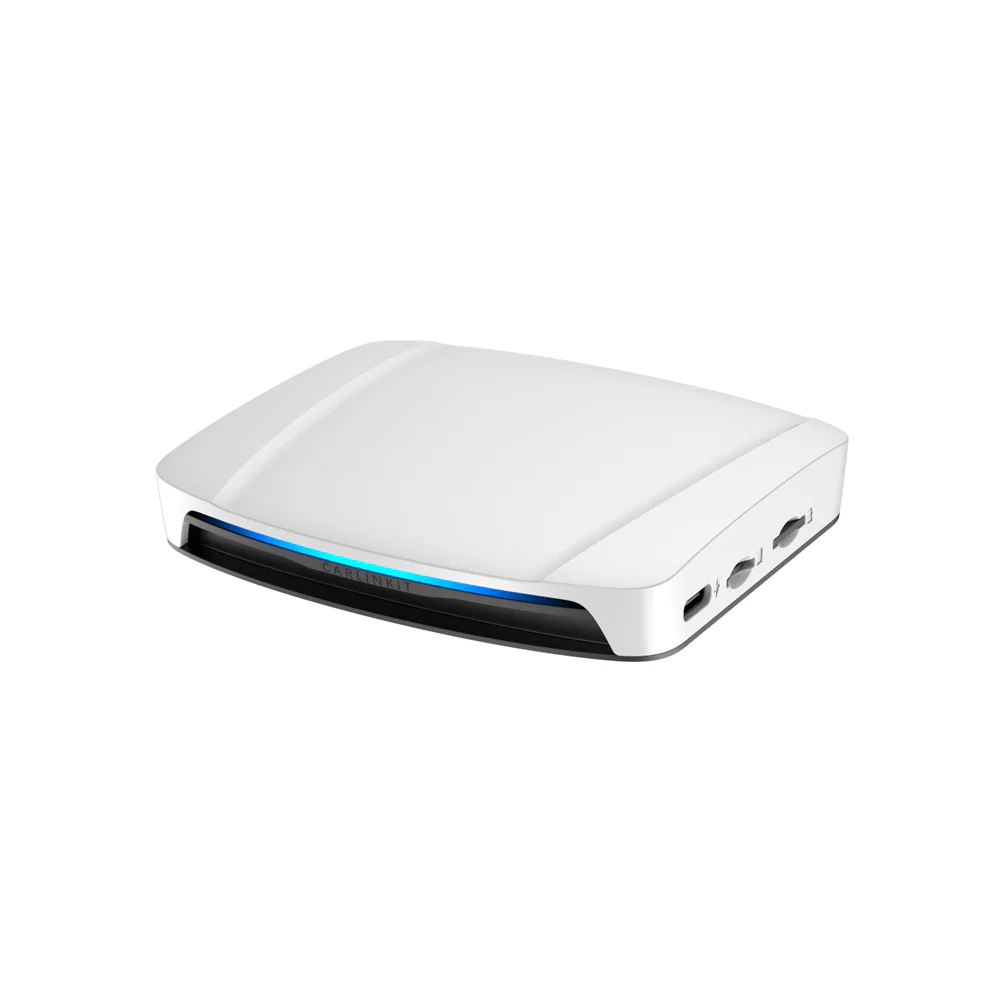
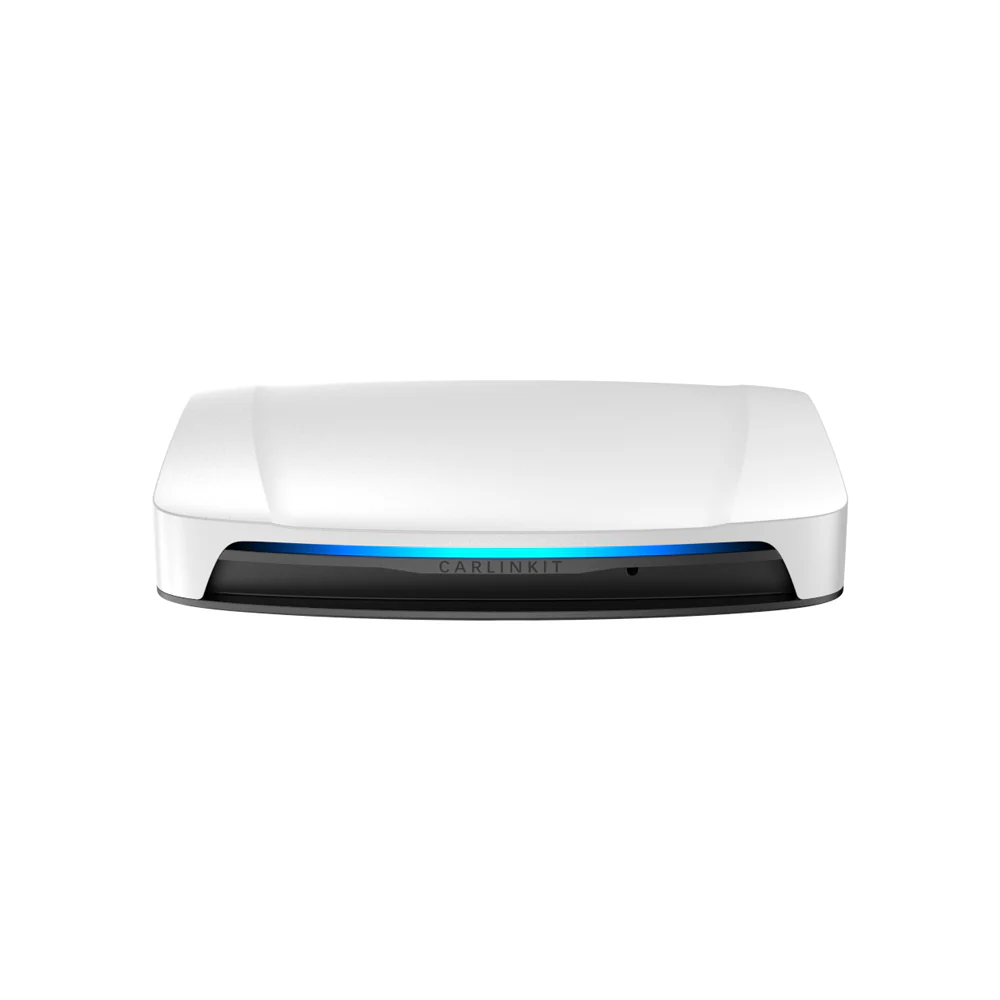
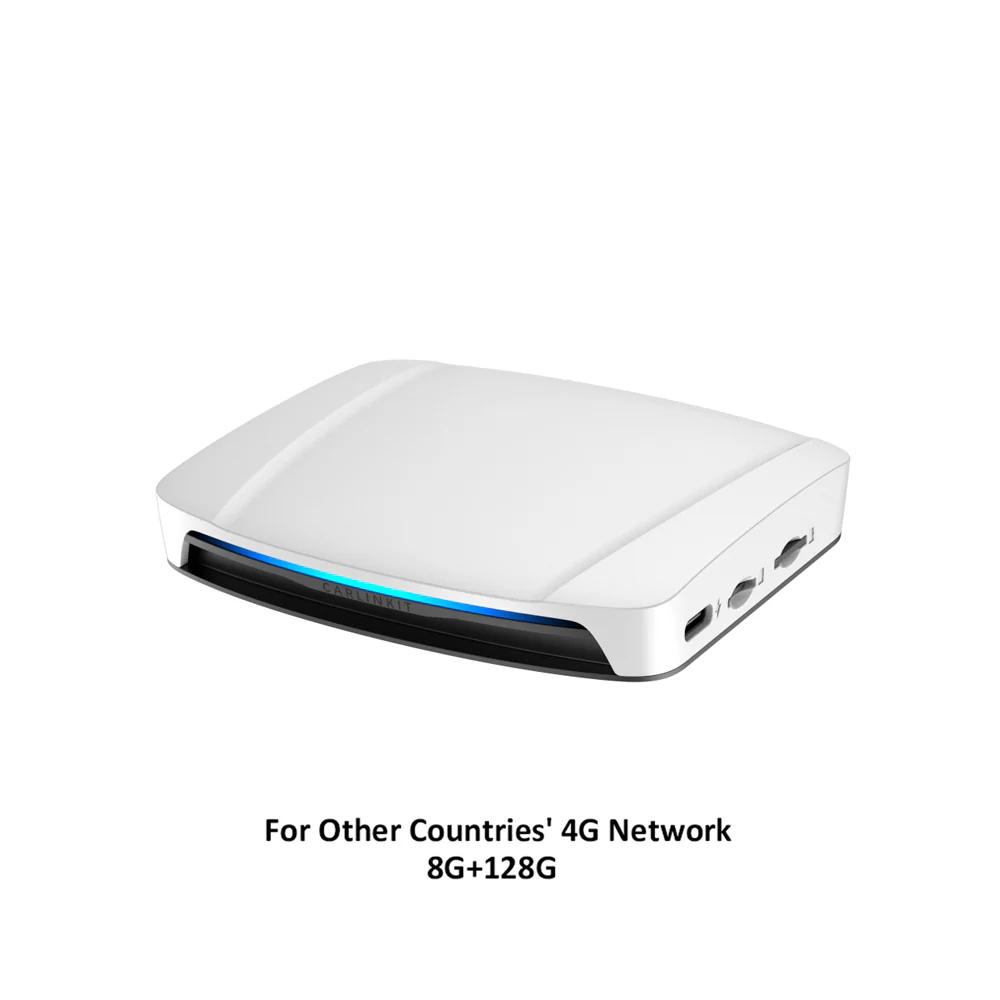
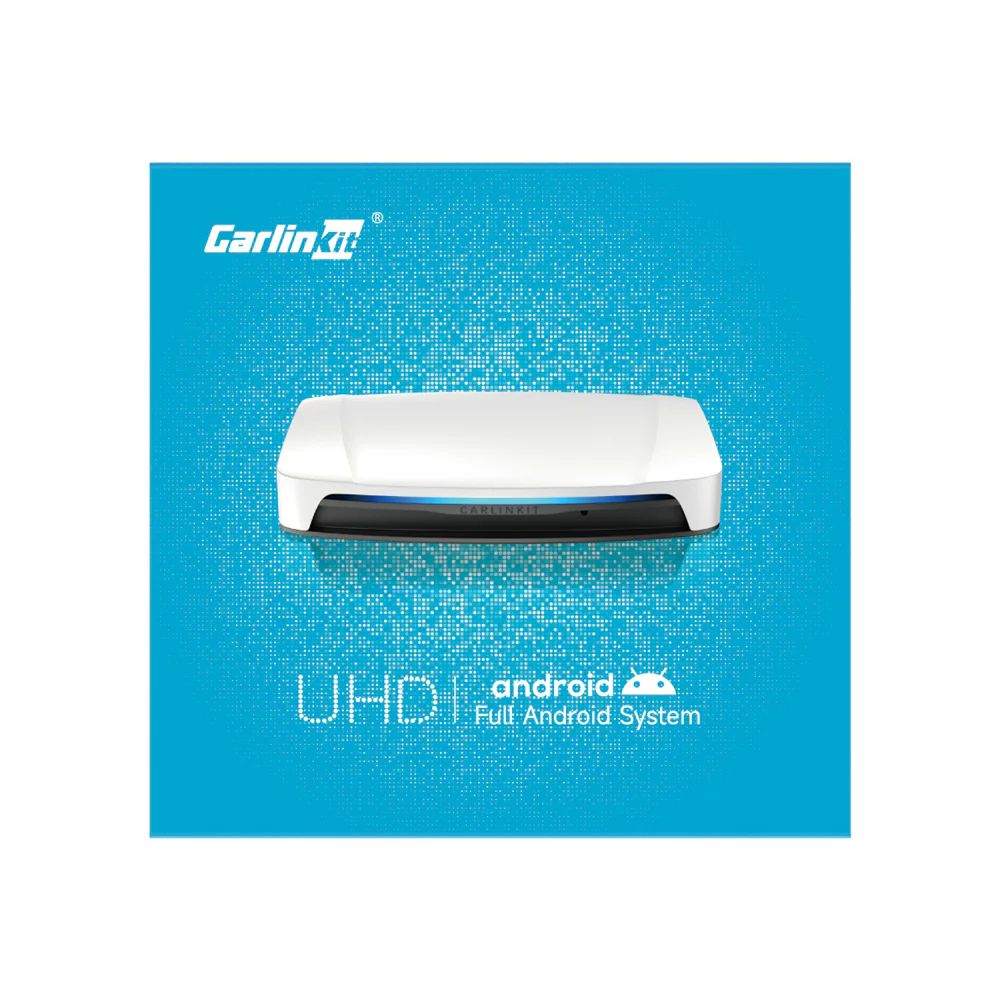
Carlinkit Tbox UHD Android 13 CarPlay AI Box with HD Output
-
Detail
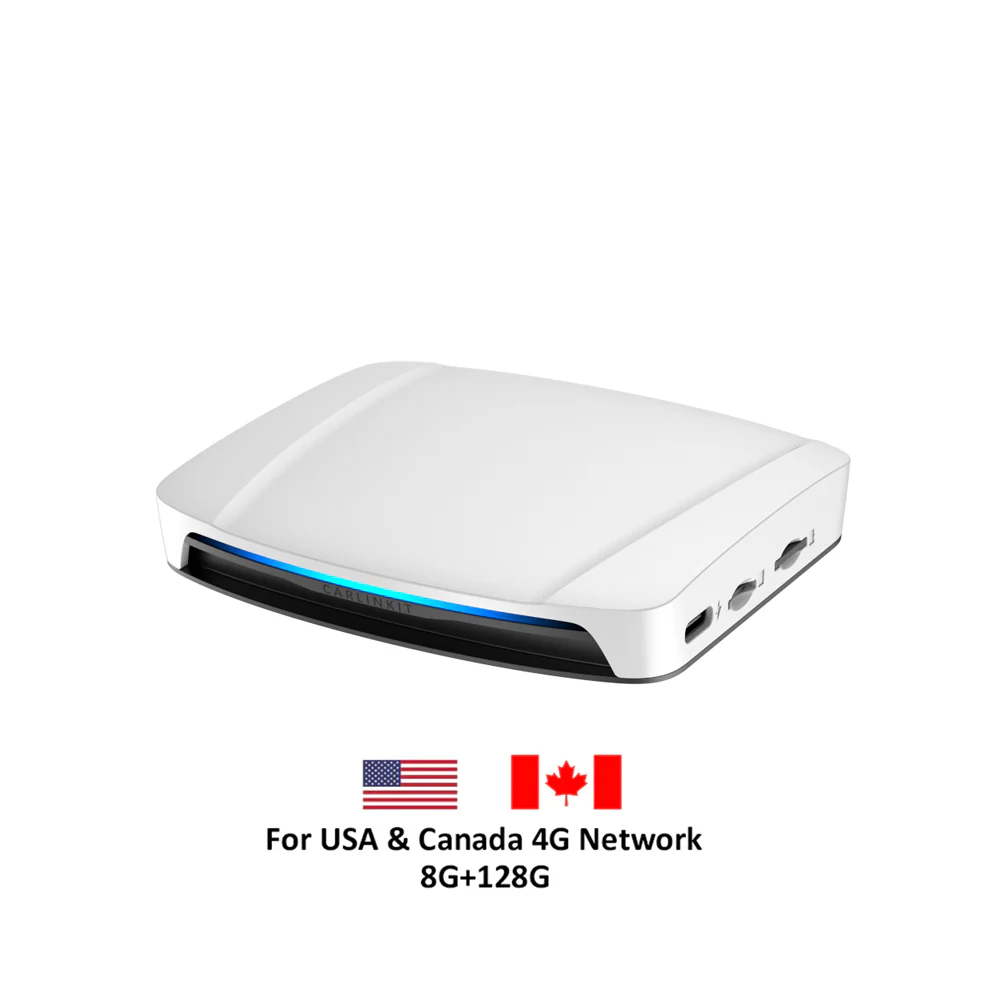
Exclusive Availability – Tbox UHD with SDM660 (For USA & Canada Version).
This version is exclusively in stock at our store. Not available anywhere else online.
✅Carlinkit Tbox UHD - 3-in-1 Android AI Box
The Carlinkit Tbox UHD is a 3-in-1 Android AI Box that lets you seamlessly switch between wireless CarPlay, wireless Android Auto, and Android 13.0, all connecting instantly in your car. Enjoy the freedom to use your preferred system with ease and convenience.

✅Support Download as Many Apps as You Like
The Carlinkit Tbox UHD Android AI Box comes with the Android 13 system built-in, allowing you to download a variety of apps from the application store. You can customize your in-car experience and enjoy apps like YouTube videos on your car's screen during rest breaks.
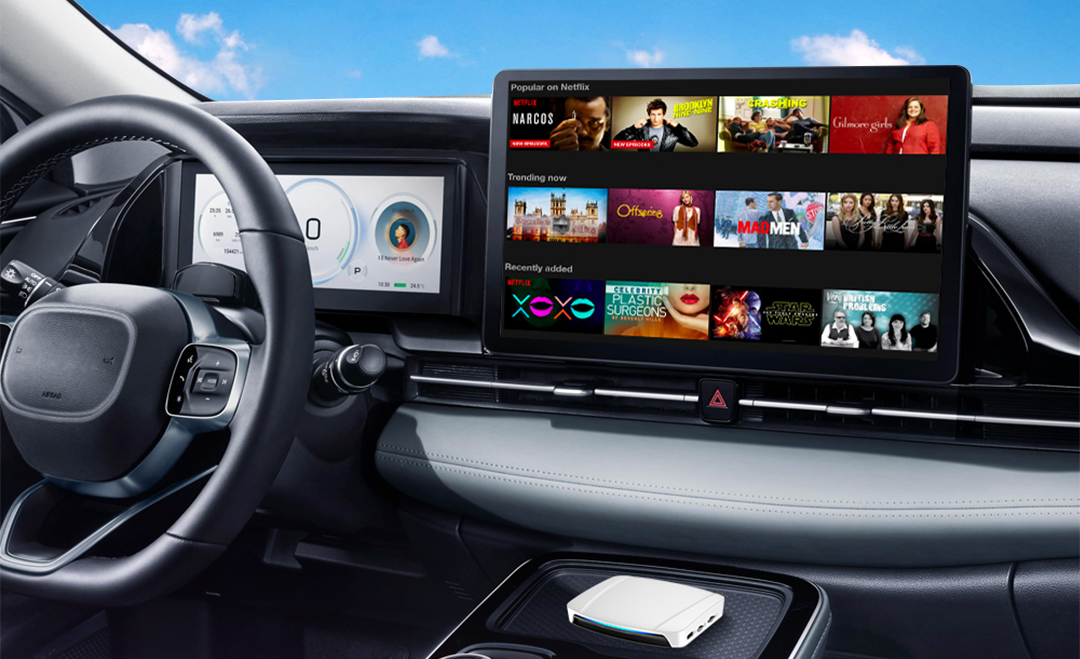
✅Carlinkit Tbox UHD - Turn Your Back Seat into a Movie Theater
With the Carlinkit Tbox UHD CarPlay AI box, you can transform your car into an entertainment hub. Watch your favorite videos on external HD displays, right from the comfort of your back seat. Perfect for long trips, it keeps everyone entertained with their favorite videos.

✅Keep Your Car's Controls, Upgrade Your Connectivity
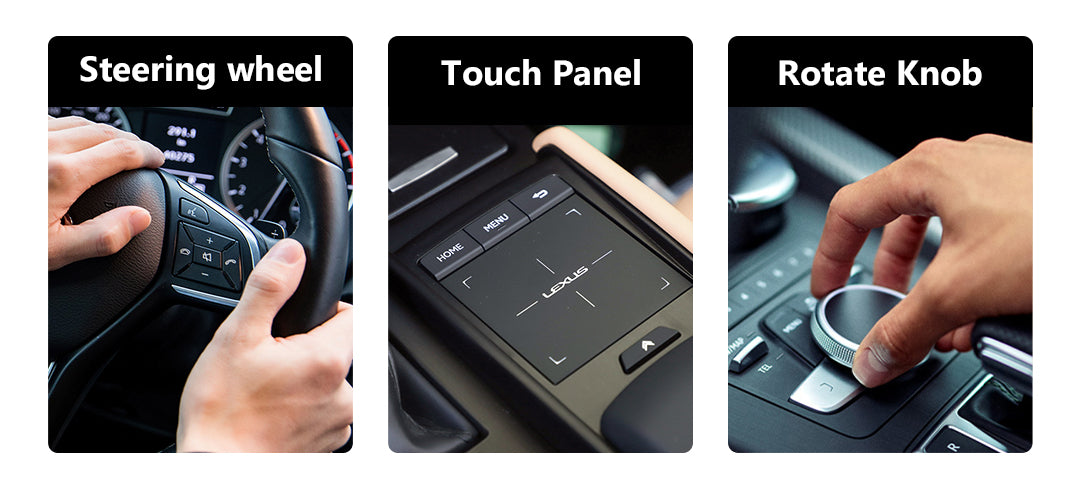
The Carlinkit Tbox UHD enhances in-car connectivity without sacrificing familiarity. It allows you to maintain full control using the original buttons, knobs, and operations. Stay safely connected while enjoying hands-free calling, navigation, music, and more.
✅Dual-Way Connection Switch at Will
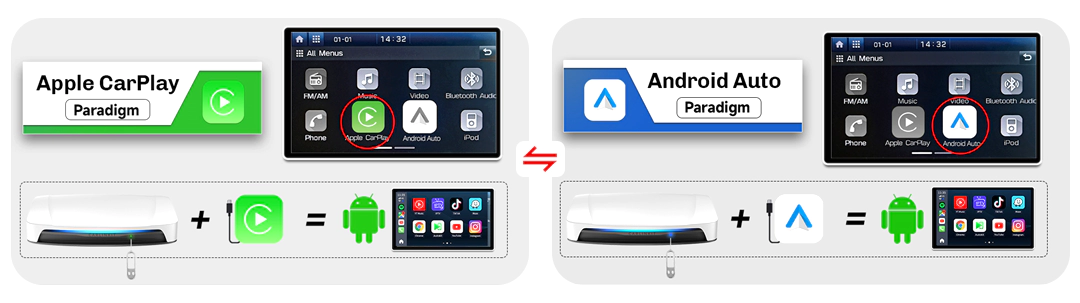
Simply insert the ejection pin and press for 2-3 seconds to switch between CarPlay (default) and Android Auto modes. Ideal for users with two phones or families with multiple devices.
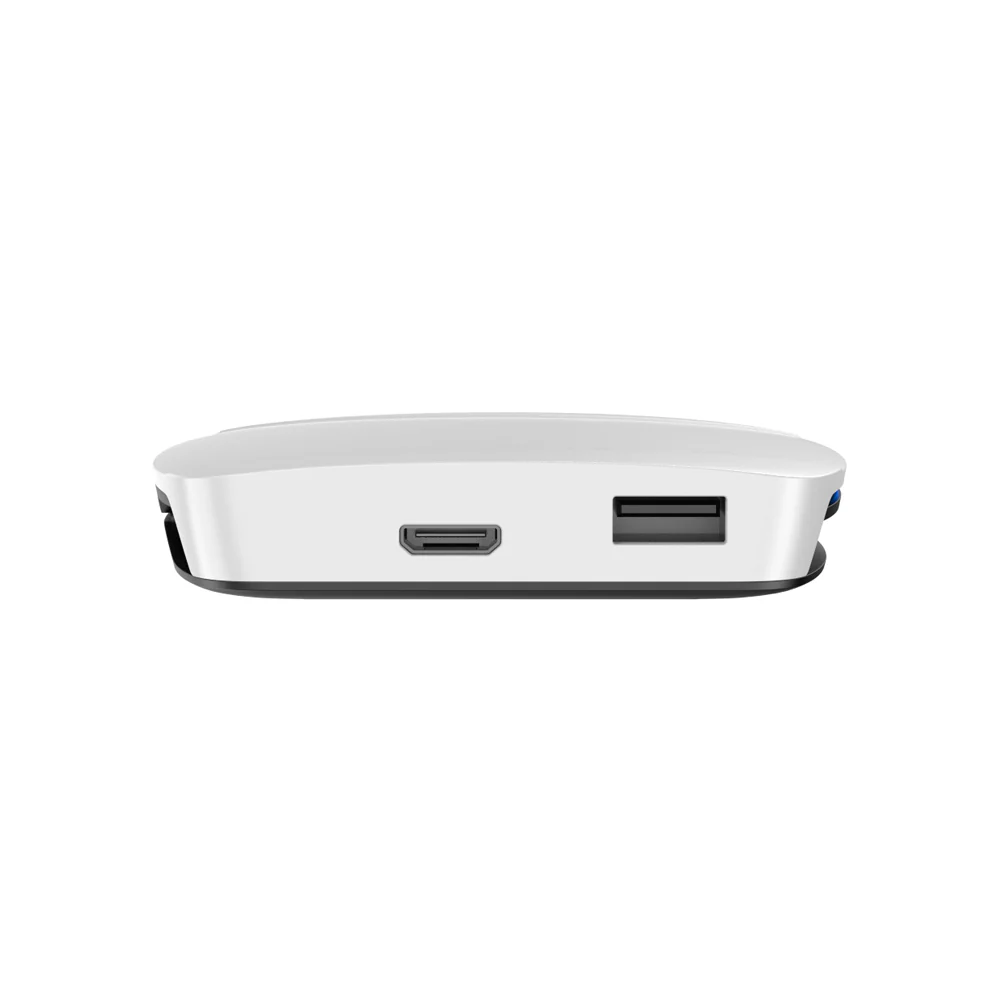
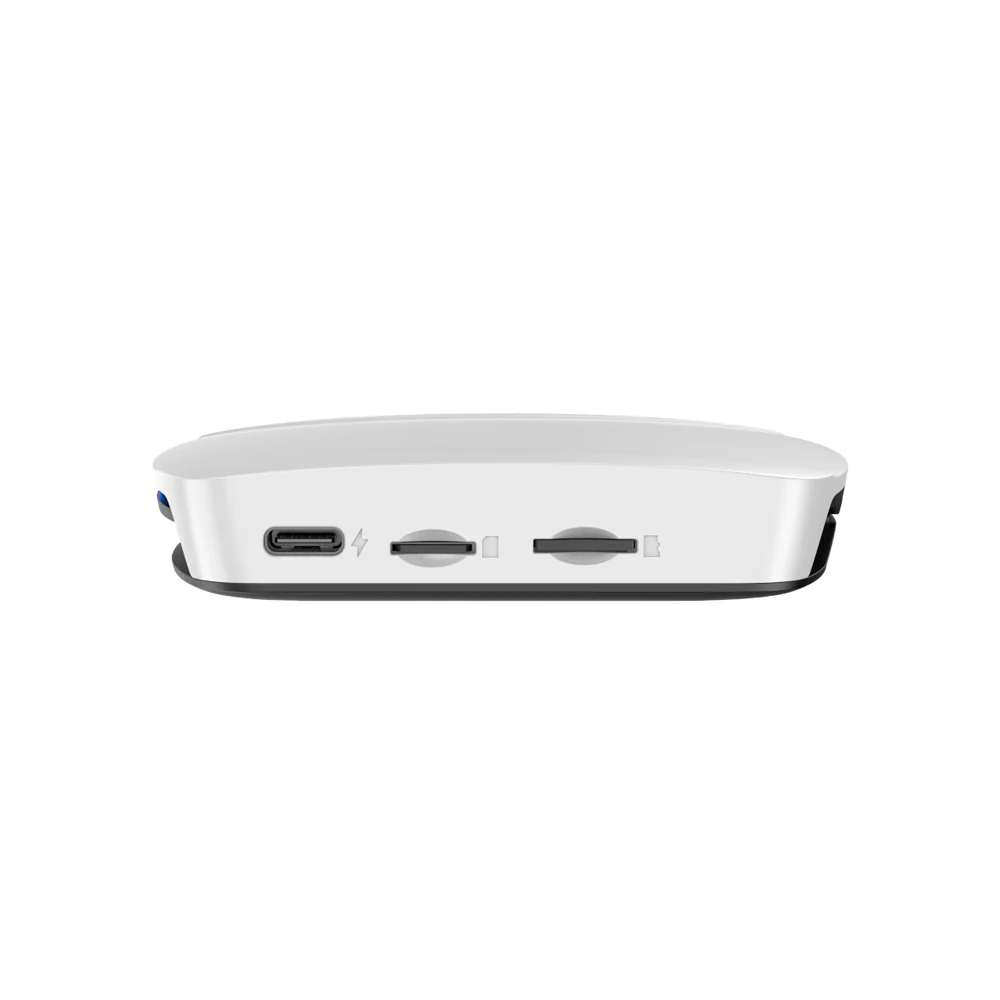
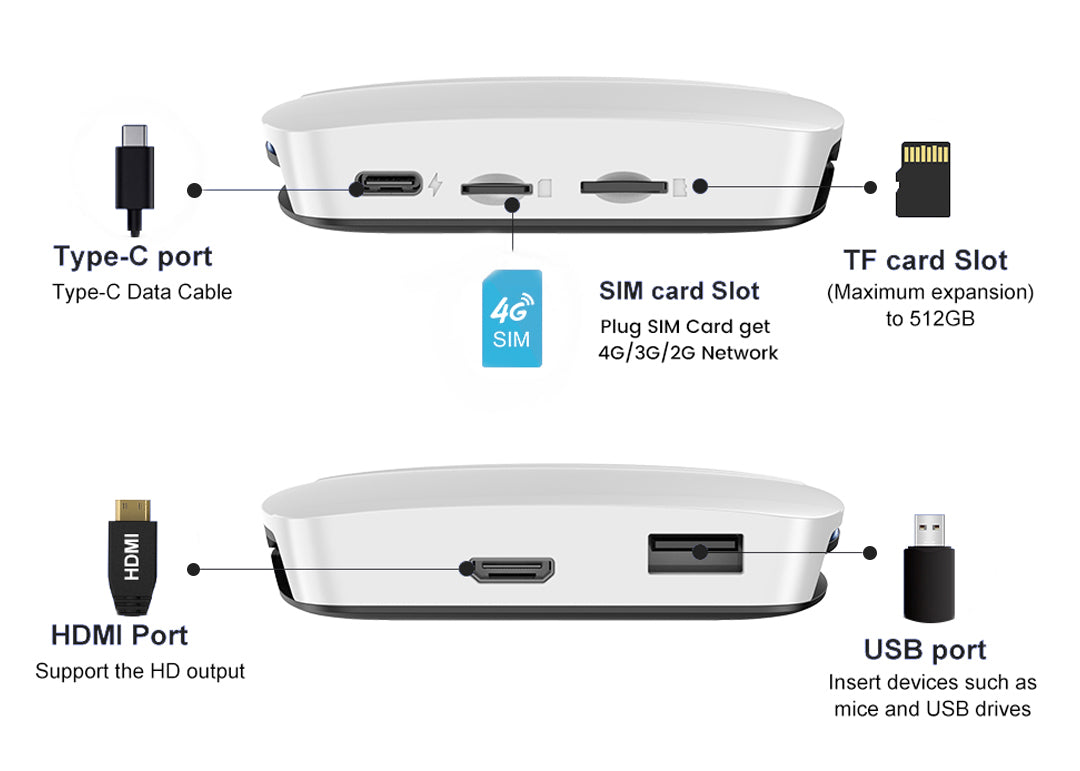
✅Tbox UHD Connection Port Display:
Dive into the world of connectivity with our Carlinkit Tbox UHD Carplay Box. Each port is crafted to enrich your driving experience and seamlessly connects to your smartphone and car's infotainment system.
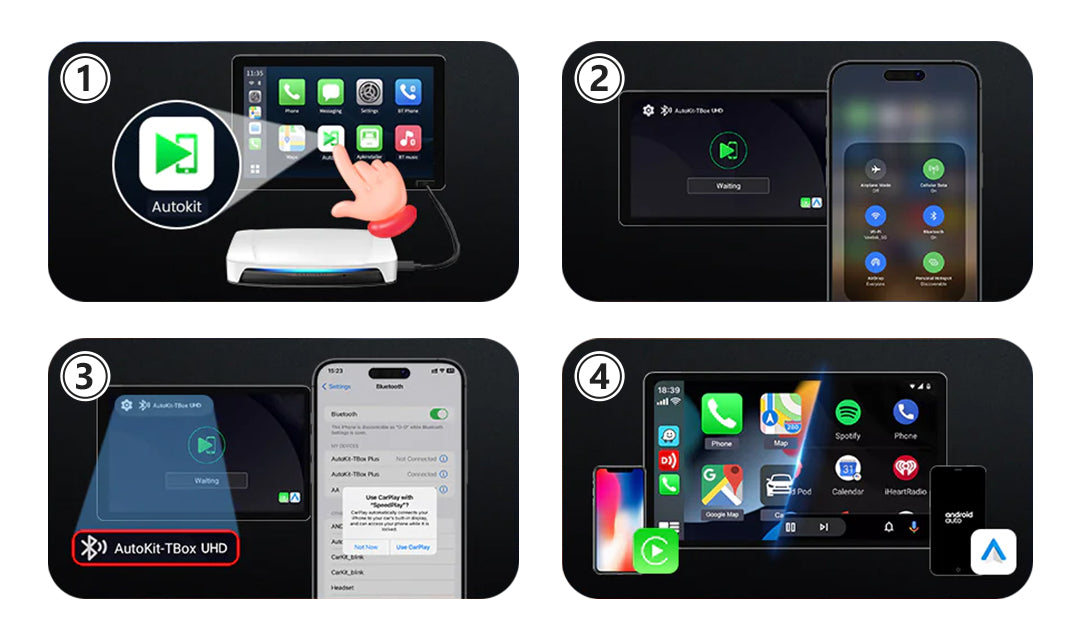
🔹Wireless CarPlay/ Android Auto Connection Instructions:
1. Tap the 'Autokit' icon to access the connection interface.
2. Enable Bluetooth and Wi-Fi on your iPhone/Android phone.
3. In your phone's Bluetooth settings, locate and select the Bluetooth name shown on the car screen, then tap to pair.
4. Wait for the connection to be established. Once successful, Wireless CarPlay/Android Auto will be activated.
🔹Condition of Use:
Car Compatibility: Compatible with 98% of cars featuring factory wired CarPlay or wired Android Auto (excluding BMW vehicles).
Phone Compatibility: Supports iPhone 6 and newer models, as well as Android devices running Android 11.0 and above.

🔹CarPlay AI box SDM660 Chip VS. SM6225 Chip, Which is Better?
The commonly used chips in Carlinkit CarPlay AI box Android 13 are SDM660 and SM6225. The two chips are similar in performance. The Carlinkit Tbox UHD equipped with the SDM660 chip includes an extra USB port compared to the Carlinkit Tbox UHD with the SM6225 chip, resulting in a marginally higher cost.
🔹Packing List:
UHD Adapter *1, Packing Box*1, Card Pin*1,
USB-A to USB-C*1, USB-C to USB-C*1, HDMI Cable*1,
Products Manual*1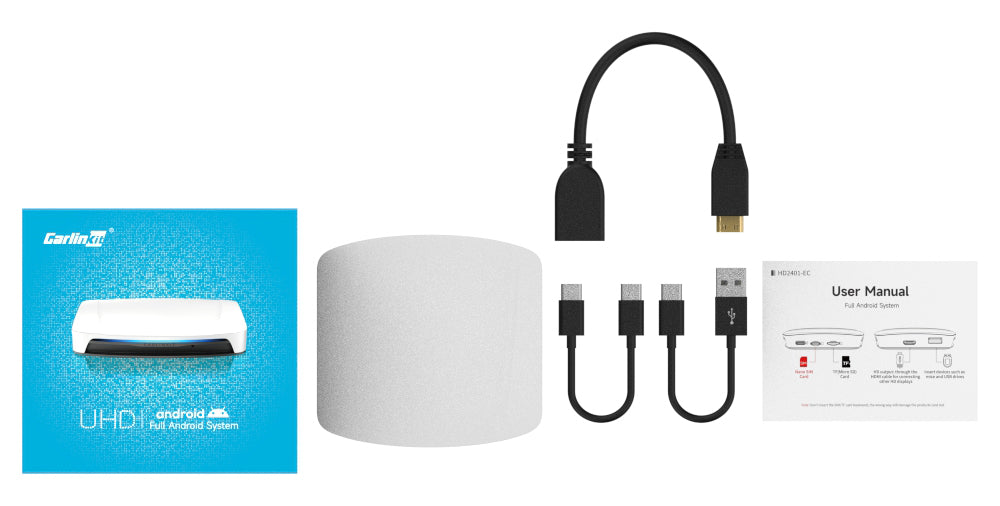
🔹Carlinkit Tbox UHD Specifications:Model CPC200-Tbox System Full Android System CPU Qualcomm's SDM660/SM6225, 4xKryo Gold 2.2GHz + 4xKryo Silver 1.8GHz
GPU A512 650MHz
Support Extension
512GB WiFi Module
WCN3980
MFI
MFI 3959
Power Input
5V±0.2V 2A
Power Consumption
6W
Communication Standard
LTD-FDD/LTE-TDD/WCDMA/GSM/EDGE
Global Positioning
GPS/GLONASS/BeiDou
WiFi Frequency
802.11a/b/g/n/ac, 2.4G+5G
Bluetooth Version
5.0 BR/EDR/BLE
Material
ABS
Color
White
Resolution
1080P supported; does not support 2K, 4K, or 8K
Language
Multiple languages around the world, such as Arabic, Chinese,
English, French
Port
LED Light, Type-C Female Port, TF Card Slot, USB Port, HDMI port
Date Cable
USB-A to USB-C*1 USB-C to USB-C*1 L=300mm
Product Size
90x84.9x17.1mm
Package Dimensions
110x106x39mm
Connection Hints
Wireless connections
Note:1. Carlinkit Tbox UHD supports TF card insertion, expandable up to 512GB.2. You can use the Carlinkit UHD on your home TV, not just in a vehicle, but you'll need to use a mouse.3. The HDMI interface of the Carlinkit UHD supports only output, not input. This means the rear display doesn't support touch functionality, but you can use it with a Bluetooth mouse.4. Some vehicles have limited power output from their factory USB ports, which may cause the Tbox to disconnect, restart, or not function properly. To ensure stable performance, we recommend using an external power cable for the following car models:
Mazda (2023/2024 models)Hyundai Ioniq series (2023/2024 models)
Toyota series (2023/2024 models)
➡️ Click here to purchase the recommended power cable
-
Customer ReviewsNo comments